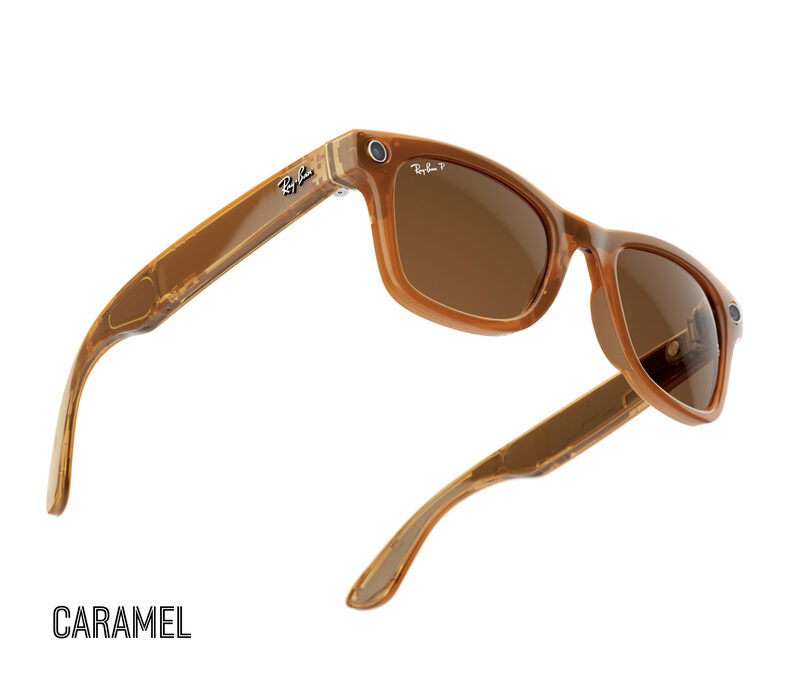
Meta Wearables
Vanguard · Gen 1 · Gen 2 · 3K Ultra HD · bi-directional audio
Three launch surfaces
SecondSee works like a spatial studio: begin with the edge, shape the system around the launch, then deliver it through the right hardware and interface.
Commercial systems
Developer platforms
Consumer experiences
The system
Bring your own compute hub. SecondSee connects capture, perception, orchestration, and output without forcing the whole experience into one device.
Capture
H.264 · PCM · sensorsPerceive
Vision · Core ML · OC-SORTOrchestrate
FRLY · FRAU · FRSEDeliver
Web · device · displayINSIDE THE STUDIO
A live camera signal moving through detection, tracking, OCR, and an operator-facing viewer.
Stream from supported wearable publishers or a desktop camera through the shared relay and into the web viewer.
YOLO detection, OC-SORT tracking, OCR — chain nodes into a live pipeline that runs while you stream.
Compose detection, tracking, models, triggers, recordings, and outputs as a live graph shared by device and web surfaces.
The live remote call is the headline. Every surface below is in the tree today — capture, relay, workflows, operator tools — and it all exists to keep that call standing up in the field.
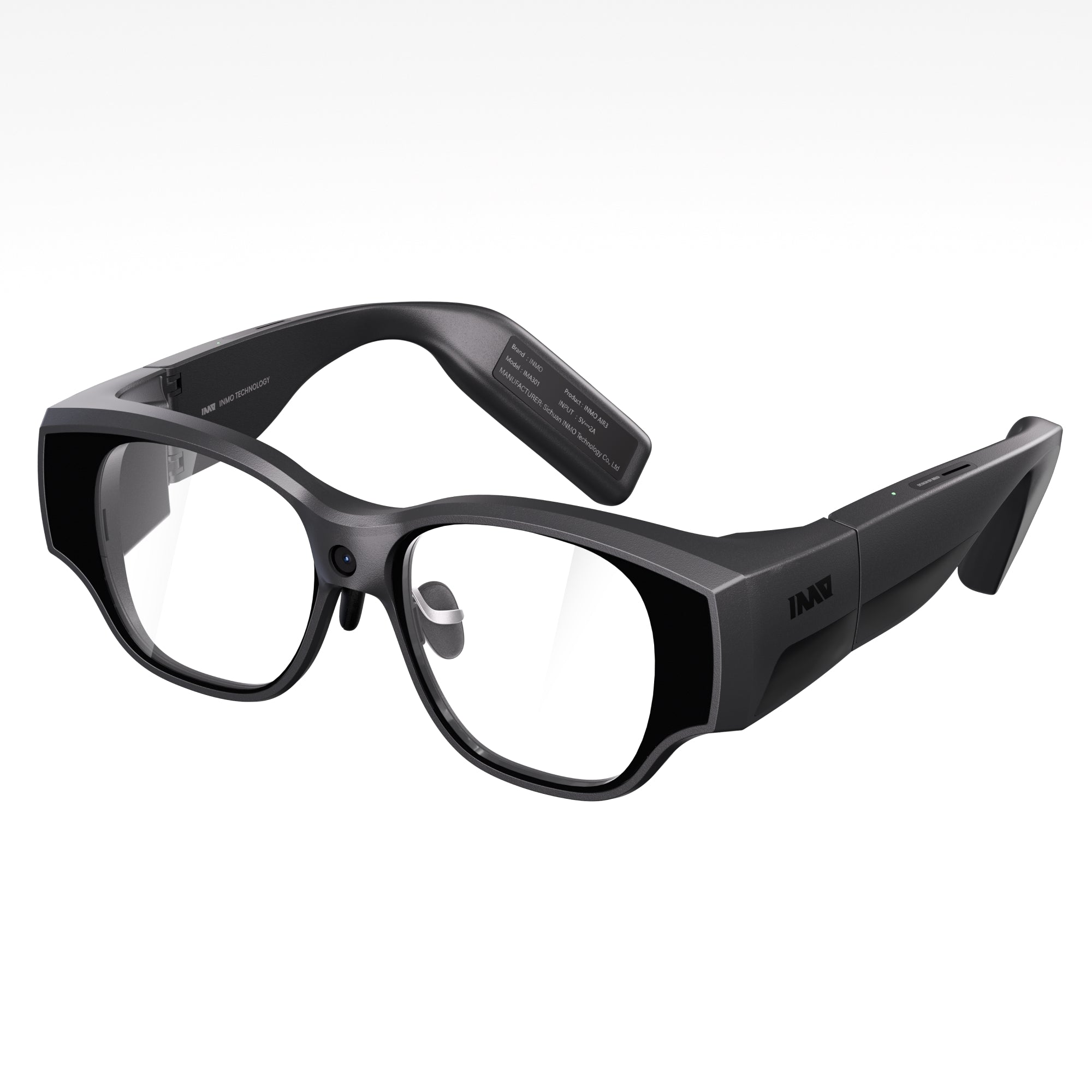
Stream camera and audio from Ray-Ban Meta on iOS, INMO on Android, or a desktop camera into the same relay — the live feed your expert watches from a browser.
Enhance frames, run Vision and Core ML, detect objects, track identities, classify scenes, and record locally.
Compose sources, processors, triggers, models, and outputs as a live DAG instead of hard-coding one assistant.
One call, two ends — the worker's glasses and the expert's browser — carried by a shared binary protocol with multi-publisher room support.
Route phone and glasses microphones, transcription, audio classification, synthesized speech, and playback.
Monitor live streams, edit workflows, inspect telemetry, manage recordings, and work with developer tools on the web.
SecondSee separates the intelligence layer from the frame on someone's face. Shipping integrations stay distinct from development and evaluation work.
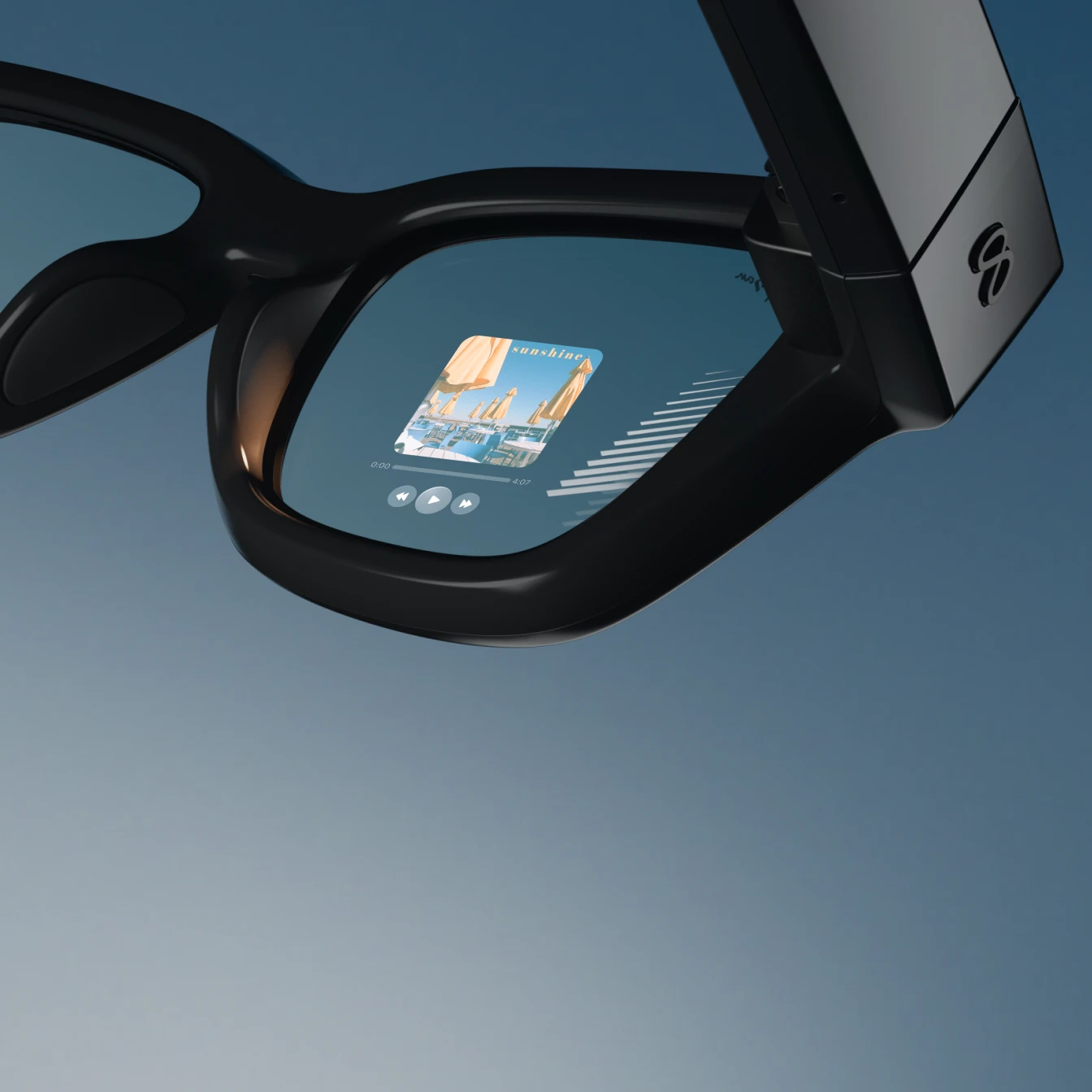
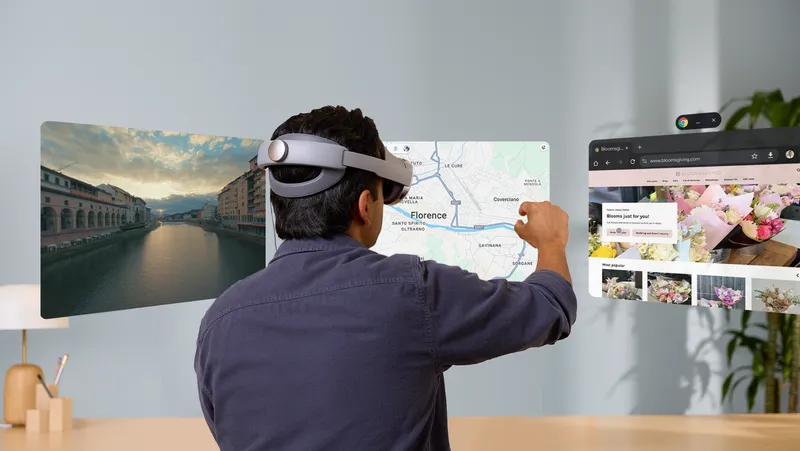
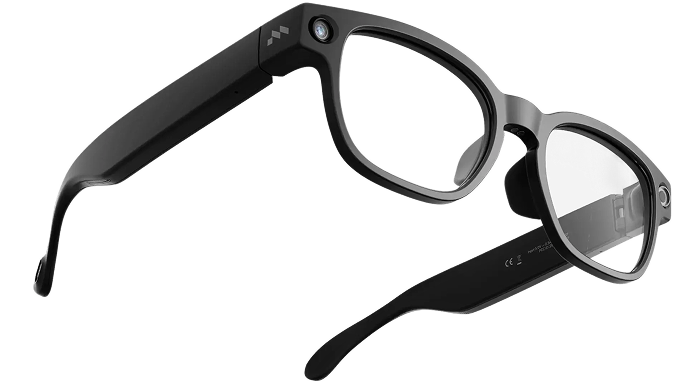
The headline is the live remote call — glasses in the field, an expert in a browser, one shared view of the job. The answers below cover that, and keep the rest honest: shipped means shipped.
It's a live remote call for camera glasses. The worker streams what they see; an expert watches from a browser and talks them through the job. The same feed powers recognition, guidance, transcription, and local recording.
Yes — that's the core call, and it's live today. The worker's glasses publish first-person video with two-way audio to the relay; the expert joins from any browser, no app to install. What the expert sees is what the worker sees, in real time.
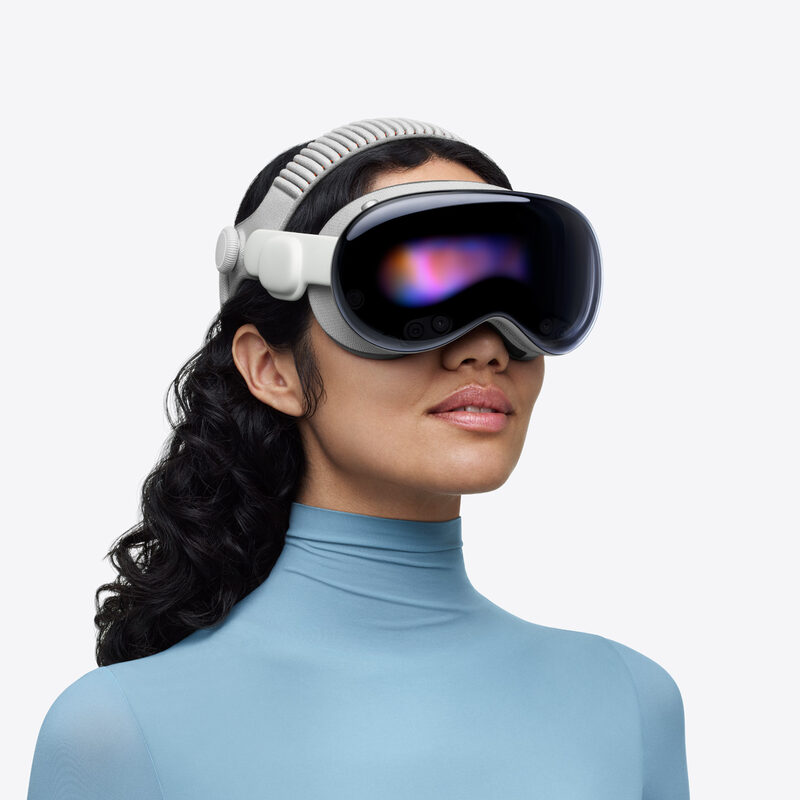
iOS with Ray-Ban Meta and Android with INMO are the furthest along. macOS, visionOS, browser, and XR builds are in the tree at earlier stages. The device field above keeps the two apart — if it isn't shipping yet, it doesn't say it is.
No. Capture, codecs, audio, sensors, and outputs vary by glasses model and hardware. A workflow that runs on one device may need adjusting on another — check the device's capabilities before you plan around it.
Wherever the job needs it: on the streaming device, a local compute hub, the relay, or an external model service you configure. You choose the split per workflow — it doesn't all have to live on one device.
Deployments run with authenticated sessions, access controls, share tokens, gateway isolation, TLS, and your own object storage settings. Retention, encryption, and compliance specifics depend on how you deploy it — we'd rather walk through your setup than promise defaults we don't control.
Teams whose people do hands-on work — the factory floor, inspections, field service — and need an expert or AI in the loop now. Start with one device, one signal, one outcome you can name, not a company-wide rollout.
Bring a device and a workflow. We'll start with a live remote call — your expert watching what the worker sees — then map where perception and automation take over.
Include the target hardware and the live signal you need to use.